







Aggregated conversations
Start with aggregated conversations and organize frequently used projects according to your actual work needs.
 Welcome to SKYSCRM
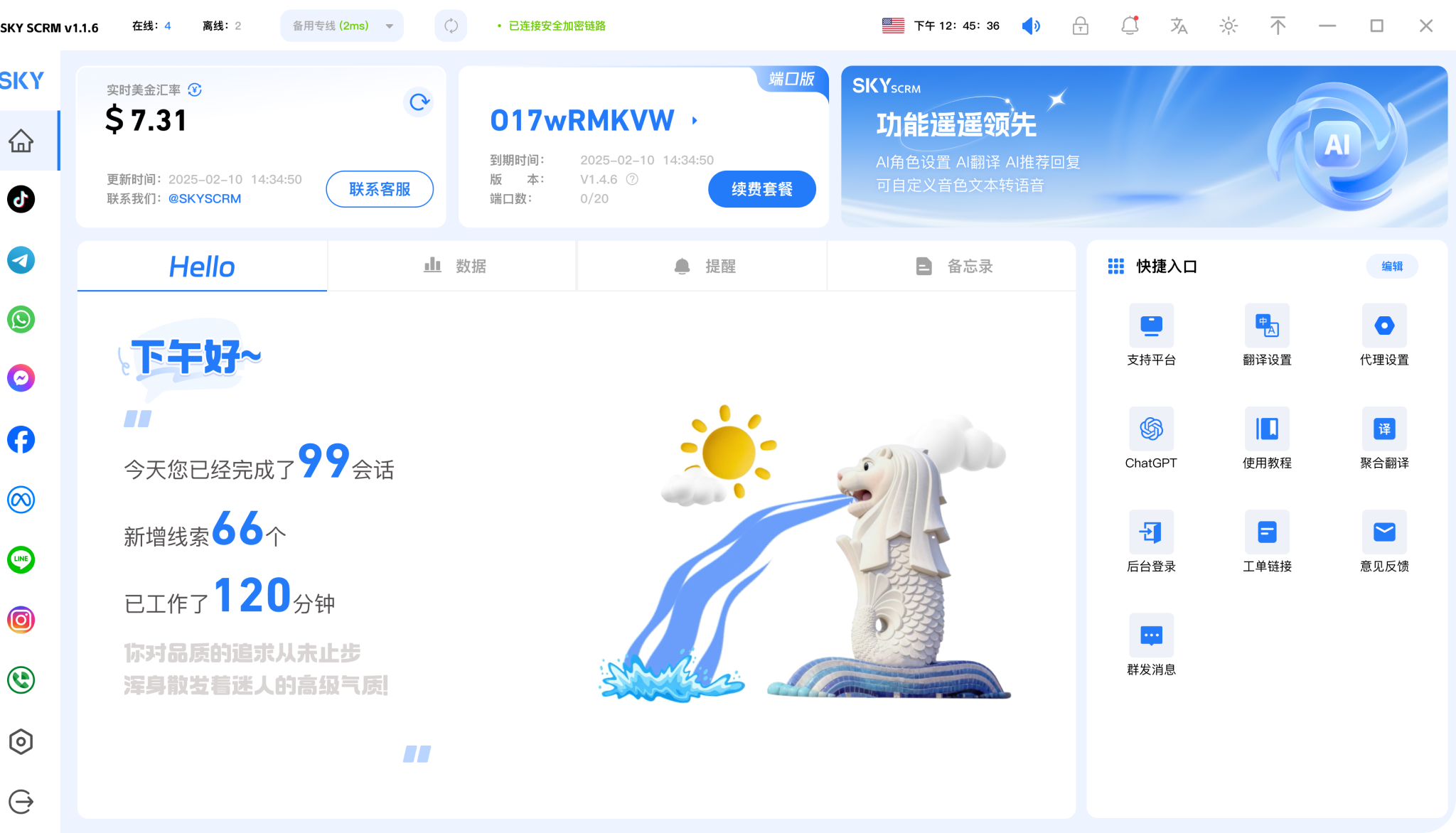

Safe multi-instance access to 15+ mainstream global social media platforms, building an efficient communication model

Multi-dimensional customer service quality monitoring with real-time alerts to avoid potential risks

Automated marketing methods reduce manual operations and increase efficiency by 80%

Multiple accounts on global social media platforms online simultaneously for efficient social media matrix account management

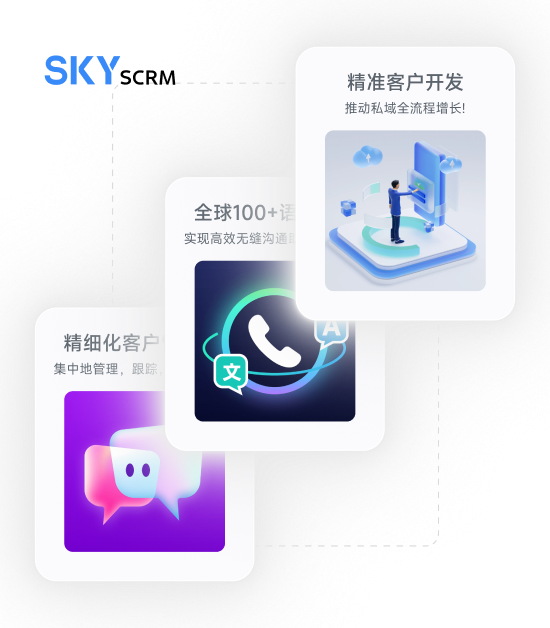
Start with aggregated conversations and organize frequently used projects according to your actual work needs.

Combine language assistance with customer leads to keep daily operations clearly organized.

Use team collaboration in a familiar interface and adjust your own settings as needed.











View options related to aggregated conversations and confirm device and version information before you start using it.
🗯️Free trial


Keep frequently used features in easy-to-find places to reduce repeated searching and switching.
🗯️Free trial


Keep useful information around language assistance so it is convenient to continue processing next time.
Try now







Arrange social conversations, language assistance and customer follow-ups in a unified workspace.
Start with aggregated conversations and organize frequently used projects according to your actual work needs.
Combine language assistance with customer leads to keep daily operations clearly organized.
Use team collaboration in a familiar interface and adjust your own settings as needed.
View options related to aggregated conversations and confirm device and version information before you start using it.
Select the device system in the download center and view the corresponding version name.
Open the installation file and follow the installation prompts on your device to complete setup.
Choose the client that corresponds to your device.
View All Download Versions →From daily communication to organizing materials, SKYSCRM Translation helps you keep information clear across different languages. Below are several common scenarios and usage tips to help you get started quickly.
Place the content you need to translate into the workbench, organize it by paragraph, and process it item by item. This is suitable for quickly understanding chat records, emails, and short documents.
Enter the corresponding platform entry point according to your device type. The desktop version is suitable for processing long texts, while the mobile version is suitable for viewing and copying short sentences at any time.
When numbers, dates, and proper nouns are involved, it is recommended to check them against the original text once, and use them for formal communication or archiving only after confirmation.
It is suitable for daily scenarios such as cross-language chatting, email exchanges, reading materials, and organizing short documents. You can first organize the original text in the workbench, then translate it paragraph by paragraph, making it easy to check and copy item by item.
It is recommended to manually verify key content, especially numbers, dates, names, and proper nouns. Machine translation can improve efficiency, but confirming it once before formal use will be more reliable.